
Name-That-Hash
🔗 Don't know what type of hash it is? Name That Hash will name that hash type! 🤖 Identify MD5, SHA256 and 300+ other hashes ☄ Comes with a neat web app 🔥
File Explorer
- python.yaml
- dependabot.yml
- FUNDING.yml
- release-drafter.yml
- accessible.png
- allfunandmagna.png
- colours.png
- demo.gif
- demo_small.gif
- demo_smaller.gif
- example1.png
- falconspy.png
- hashid.png
- no-banner.png
- optional.png
- robocowboy
- xss_rat.png
- __init__.py
- __main__.py
- check_hashes.py
- hash_info.py
- hash_namer.py
- hashes.py
- HashTypeObj.py
- prettifier.py
- runner.py
- setup.py
- hashes.txt
- __init__.py
- test_click.py
- test_hashcat.py
- test_main.py
- .all-contributorsrc
- .gitignore
- DockerFile
- LICENSE
- logo.gif
- noxfile.py
- poetry.lock
- pyproject.toml
- README.md
# Use via CDN
jsDelivrjsDelivr serves any public GitHub repository as a CDN with zero setup. Pick a version and a file to get a ready-to-paste link and snippet.
Command Glossary
Commands referenced in this DOCs, explained below.
nth
View Details ▼
nth
Name That Hash - Instantly name the type of any hash.
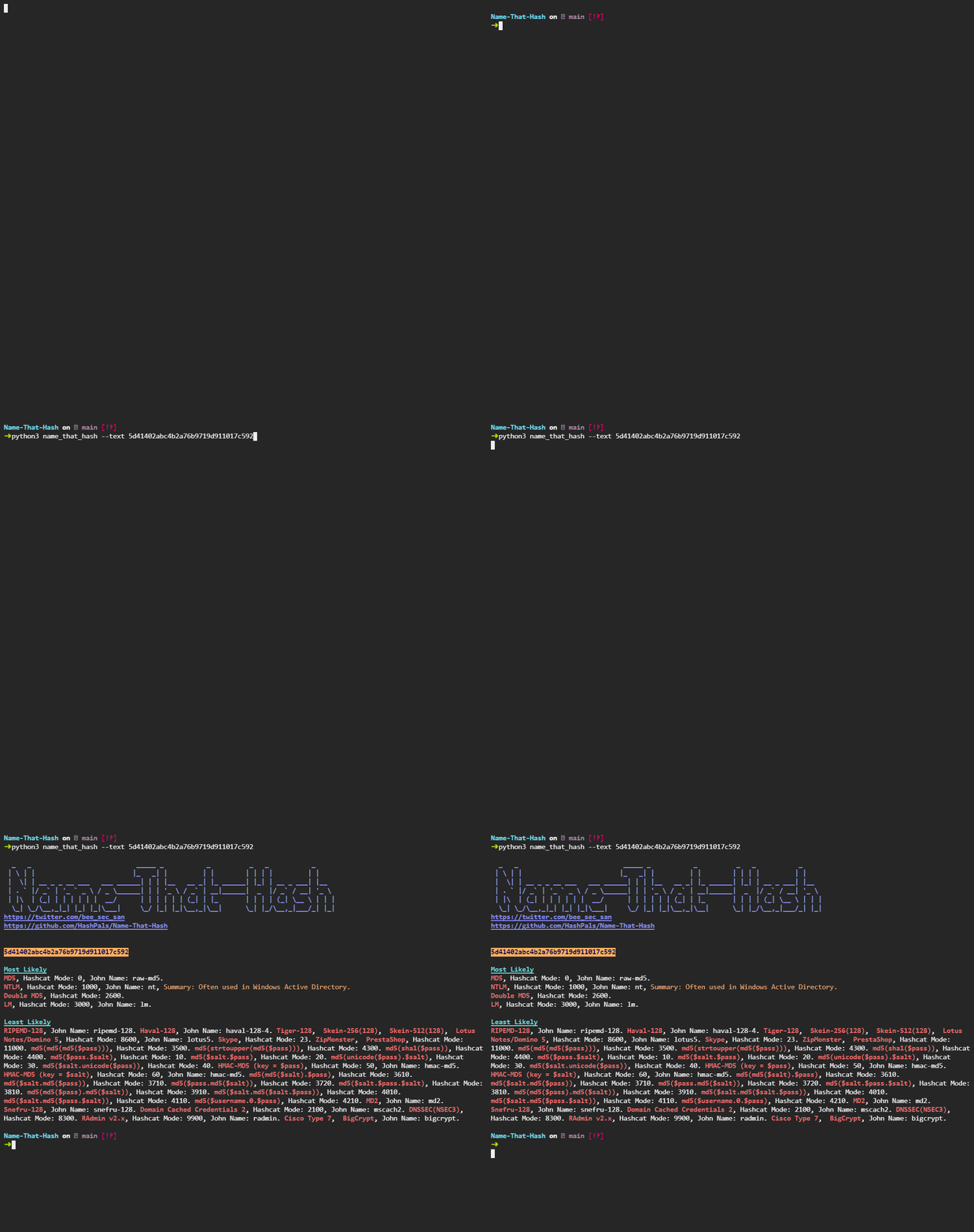
nth {{[-t|--text]}} {{5f4dcc3b5aa765d61d8327deb882cf99}}
Name a hash:
nth {{[-f|--file]}} {{path/to/hashes}}
Name hashes in a file:
nth {{[-t|--text]}} {{5f4dcc3b5aa765d61d8327deb882cf99}} {{[-g|--greppable]}}
Print in JSON format:
pip install
View Details ▼
pip install
Install Python packages.
pip install {{package1 package2 ...}}
Install one or more packages:
pip install {{package1 package2 ...}} {{[-U|--upgrade]}}
Upgrade all specified packages to the latest version, installing any that are not already present:
pip install {{package}}=={{version}}
Install a specific version of a package:
pip3
View Details ▼
pip3
This command is an alias of `pip`.
tldr pip
View documentation for the original command:
# Project Badges
-
 No description