
plandeck
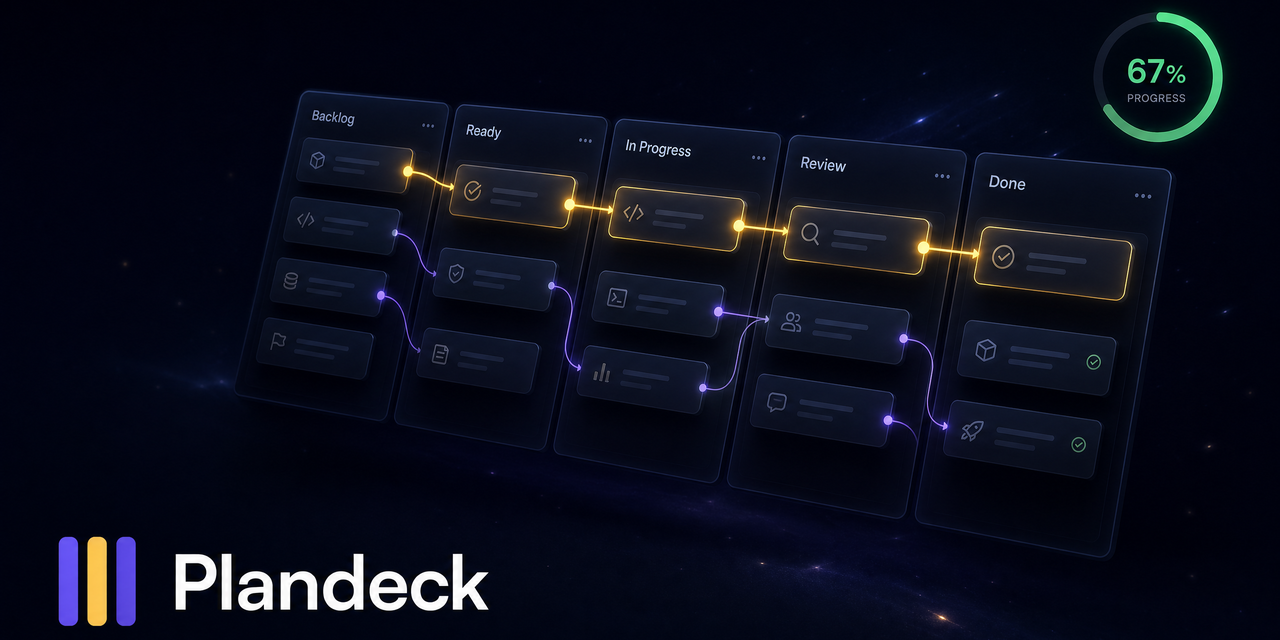
The visual Kanban for long-running AI agents. Watch your agent's plan organize itself: dependencies unlock into Ready, the critical path lights up, the one next move is obvious. Nobody wants to read a markdown plan.
파일 탐색기
- agent_compatibility.md
- bug_report.md
- test.yml
- PULL_REQUEST_TEMPLATE.md
- judge.md
- pm.md
- scout.md
- worker.md
- C001-onboarding-map.md
- plan.md
- plan.yaml
- README.md
- banner.png
- board-preview.html
- board.png
- plandeck-mark.svg
- continuity.mjs
- deck.mjs
- intelligence.mjs
- journal.mjs
- render.mjs
- snapshot.mjs
- board.mjs
- check-plan.mjs
- cli.mjs
- doctor.mjs
- screenshot.mjs
- card.md
- plan.md
- plan.yaml
- all.test.mjs
- deck.test.mjs
- doctor.test.mjs
- journal.test.mjs
- .gitattributes
- .gitignore
- .npmignore
- CHANGELOG.md
- CONTRIBUTING.md
- LICENSE
- NOTICE
- package.json
- README.md
- SKILL.md
# CDN으로 사용하기
jsDelivrjsDelivr는 공개 GitHub 리포지토리를 별도 설정 없이 CDN으로 즉시 서빙합니다. 버전과 파일을 고르면 웹페이지에 바로 붙일 수 있는 링크와 예시 코드가 만들어집니다.
명령어 용어집
이 문서에서 사용된 명령어를 모아봤습니다. 낯선 명령어가 있다면 펼쳐서 확인해보세요.
done
설명 보기 ▼
done
`for`, `while`, `select`, `until` 루프의 끝을 표시하는 쉘 키워드.
tldr for
`for` 키워드 문서 확인:
tldr while
`while` 키워드 문서 확인:
tldr select
`select` 키워드 문서 확인:
next
설명 보기 ▼
next
서버사이드 렌더링을 사용하여 최적화된 웹 애플리케이션을 구축하는 React 프레임워크.
더 많은 정보: <https://nextjs.org/docs/app/api-reference/cli/next>.
next dev
현재 애플리케이션을 개발 모드로 시작:
next dev {{[-p|--port]}} {{port}}
현재 애플리케이션을 특정 포트에서 시작:
next build
프로덕션에 맞게 최적화된 애플리케이션 빌드:
node
설명 보기 ▼
node
서버 측 JavaScript 플랫폼 (Node.js).
더 많은 정보: <https://nodejs.org/docs/latest/api/cli.html#options>.
node {{path/to/file}}
JavaScript 파일 실행:
node
REPL(대화형 셸) 시작:
node --watch {{path/to/file}}
지정된 파일을 실행하고 가져온 파일이 변경될 때 프로세스를 재시작 (Node.js 버전 18.11+ 필요):
npm install
설명 보기 ▼
npm install
Install Node packages.
npm {{[i|install]}}
Install dependencies listed in `package.json`:
npm {{[i|install]}} {{package_name}}@{{version}}
Download a specific version of a package and add it to the list of dependencies in `package.json`:
npm {{[i|install]}} {{package_name}} {{[-D|--save-dev]}}
Download the latest version of a package and add it to the list of dev dependencies in `package.json`:
npm link
설명 보기 ▼
npm link
Symlink a local package into the global `node_modules` or another project for development.
npm {{[ln|link]}}
Symlink the current package globally:
npm {{[ln|link]}} {{package_name}}
Link a globally linked package into another project's `node_modules`:
npm {{[r|unlink]}} {{package_name}}
Unlink a package from the current project:
npx
설명 보기 ▼
npx
이 명령은 `npm exec`의 별칭입니다.
tldr npm exec
자세한 내용은 원본 명령을 참고하세요:
column
설명 보기 ▼
column
표준 입력 또는 파일을 여러 열로 포맷 설정.
행 앞에 열이 채워짐; 기본 구분 기호는 공백입니다.
더 많은 정보: <https://manned.org/column>.
printf "header1 header2\nbar foo\n" | column {{[-c|--output-width]}} {{30}}
30자 폭 디스플레이의 형식 출력으로 포맷 정하기:
printf "header1 header2\nbar foo\n" | column {{[-t|--table]}}
열 자동 분할 및 자동 정렬을 표 형식으로 분할:
printf "header1,header2\nbar,foo\n" | column {{[-t|--table]}} {{[-s|--separator]}} {{,}}
-t 옵션(예: "", CSV)에 대한 열 구분 기호 문자를 지정; 기본값은 공백입니다:
# 프로젝트 배지
-
 Plandeck