
CloudPeek
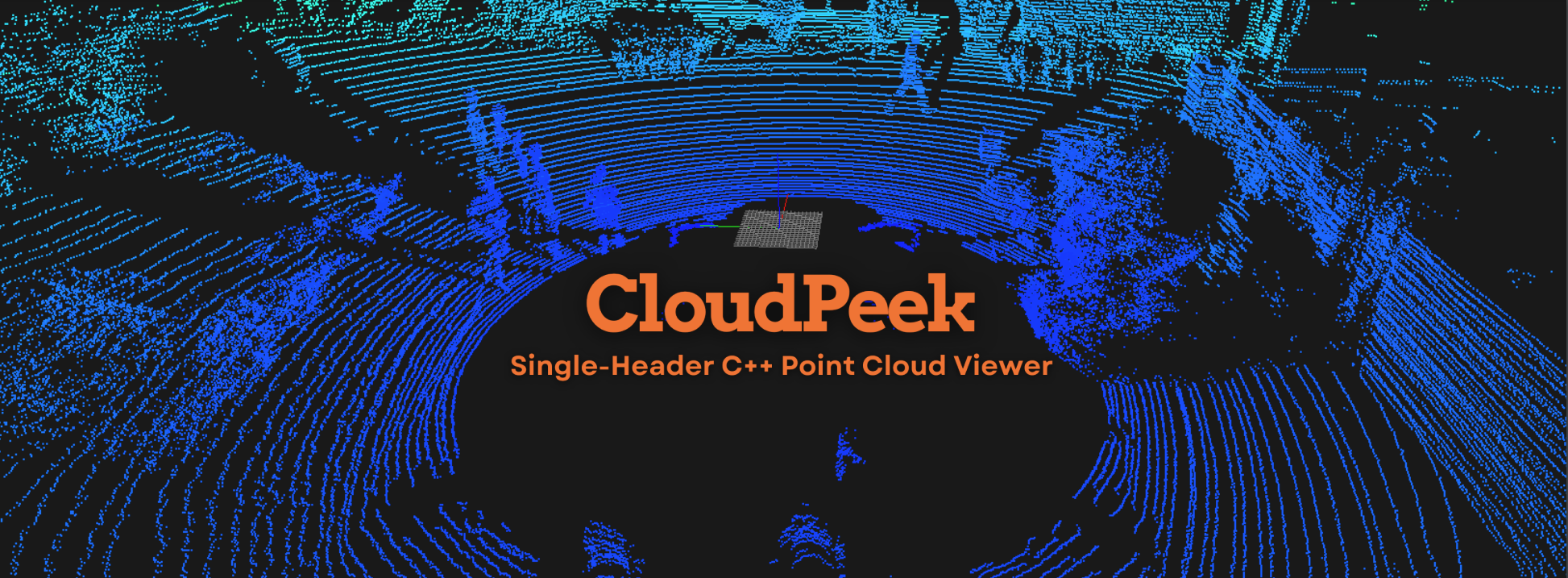
CloudPeek is a lightweight, cross-platform, single-header C++ point cloud viewer. It’s designed for simplicity and efficiency, requiring no heavy libraries like PCL or Open3D. Ideal for visualizing and interacting with 3D data from LiDAR, photogrammetry, or other datasets, CloudPeek delivers powerful, real-time exploration in a minimalistic package
File Explorer
- CloudPeek_cover.png
- CloudPeek_Viewer_KITTI_PCD_Demo.mp4
- lidar_kitti_sample.pcd
- build.sh
- main.cpp
- PointCloudViewer.hpp
- README.md
- run.sh
# Use via CDN
jsDelivrjsDelivr serves any public GitHub repository as a CDN with zero setup. Pick a version and a file to get a ready-to-paste link and snippet.
Command Glossary
Commands referenced in this DOCs, explained below.
git checkout
View Details ▼
git checkout
Checkout a branch or paths to the working tree.
git checkout -b {{branch_name}}
Create and switch to a new branch:
git checkout -b {{branch_name}} {{reference}}
Create and switch to a new branch based on a specific reference (branch, remote/branch, tag are examples of valid references):
git checkout {{branch_name}}
Switch to an existing local branch:
git clone
View Details ▼
git clone
Clone an existing repository.
git clone {{remote_repository_location}} {{path/to/directory}}
Clone an existing repository into a new directory (the default directory is the repository name):
git clone --recursive {{remote_repository_location}}
Clone an existing repository and its submodules:
git clone {{[-n|--no-checkout]}} {{remote_repository_location}}
Clone only the `.git` directory of an existing repository:
git commit
View Details ▼
git commit
Commit files to the repository.
git commit
Open an editor to write a message and commit staged files to the repository:
git commit {{[-m|--message]}} "{{message}}"
Commit staged files to the repository with the specified message:
git commit {{[-F|--file]}} {{path/to/commit_message_file}}
Commit staged files with a message read from a file:
git push
View Details ▼
git push
Push commits to a remote repository.
git push
Send local changes in the current branch to its default remote counterpart:
git push {{remote_name}} {{local_branch}}
Send changes from a specific local branch to its remote counterpart:
git push {{[-u|--set-upstream]}} {{remote_name}} {{local_branch}}
Send changes from a specific local branch to its remote counterpart, and set the remote one as the default push/pull target of the local one:
# Project Badges
-
 CloudPeek