
raytracer
raytracer
raytracer 최신버젼 다운로드
# CDN으로 사용하기
jsDelivrjsDelivr는 공개 GitHub 리포지토리를 별도 설정 없이 CDN으로 즉시 서빙합니다. 버전과 파일을 고르면 웹페이지에 바로 붙일 수 있는 링크와 예시 코드가 만들어집니다.
명령어 용어집
이 문서에서 사용된 명령어를 모아봤습니다. 낯선 명령어가 있다면 펼쳐서 확인해보세요.
cargo
설명 보기 ▼
cargo
Rust 프로젝트 및 모듈 종속성(크레이트)을 관리.
`build`와 같은 일부 하위 명령에는 자체 사용 설명서가 있습니다.
더 많은 정보: <https://doc.rust-lang.org/stable/cargo/>.
cargo search {{search_string}}
크레이트 검색:
cargo install {{crate_name}}
바이너리 크레이트 설치:
cargo install --list
설치된 바이너리 크레이트 나열:
fmt
설명 보기 ▼
fmt
단락을 결합하고 줄 너비를 문자 수 (기본적으로 75자)로 제한하여 텍스트 파일의 서식을 다시 지정.
더 많은 정보: <https://www.gnu.org/software/coreutils/manual/html_node/fmt-invocation.html>.
fmt {{path/to/file}}
파일 재포맷:
fmt {{[-w|--width]}} {{n}} {{path/to/file}}
(최대) `n` 문자의 출력 줄을 생성하는 파일 형식을 다시 지정:
fmt {{[-s|--split-only]}} {{path/to/file}}
주어진 너비보다 짧은 줄을 결합하지 않고, 파일 형식을 다시 지정:
rustup component
설명 보기 ▼
rustup component
Modify a toolchain's installed components.
Without the `--toolchain` option `rustup` will use the default toolchain. See `rustup help toolchain` for more information about toolchains.
rustup component add --toolchain {{toolchain}} {{component}}
Add a component to a toolchain:
rustup component remove --toolchain {{toolchain}} {{component}}
Remove a component from a toolchain:
rustup component list --toolchain {{toolchain}}
List installed and available components for a toolchain:
Size
설명 보기 ▼
Size
바이너리 파일 내부 섹션의 크기를 표시합니다.
더 많은 정보: <https://sourceware.org/binutils/docs/binutils/size.html>.
size {{path/to/file}}
주어진 오브젝트 또는 실행 파일의 섹션 크기 표시:
size {{[-o|--radix=8]}} {{path/to/file}}
주어진 오브젝트 또는 실행 파일의 섹션 크기를 [o]팔진수로 표시:
size {{[-d|--radix=10]}} {{path/to/file}}
주어진 오브젝트 또는 실행 파일의 섹션 크기를 [d]십진수로 표시:
# 프로젝트 배지
-
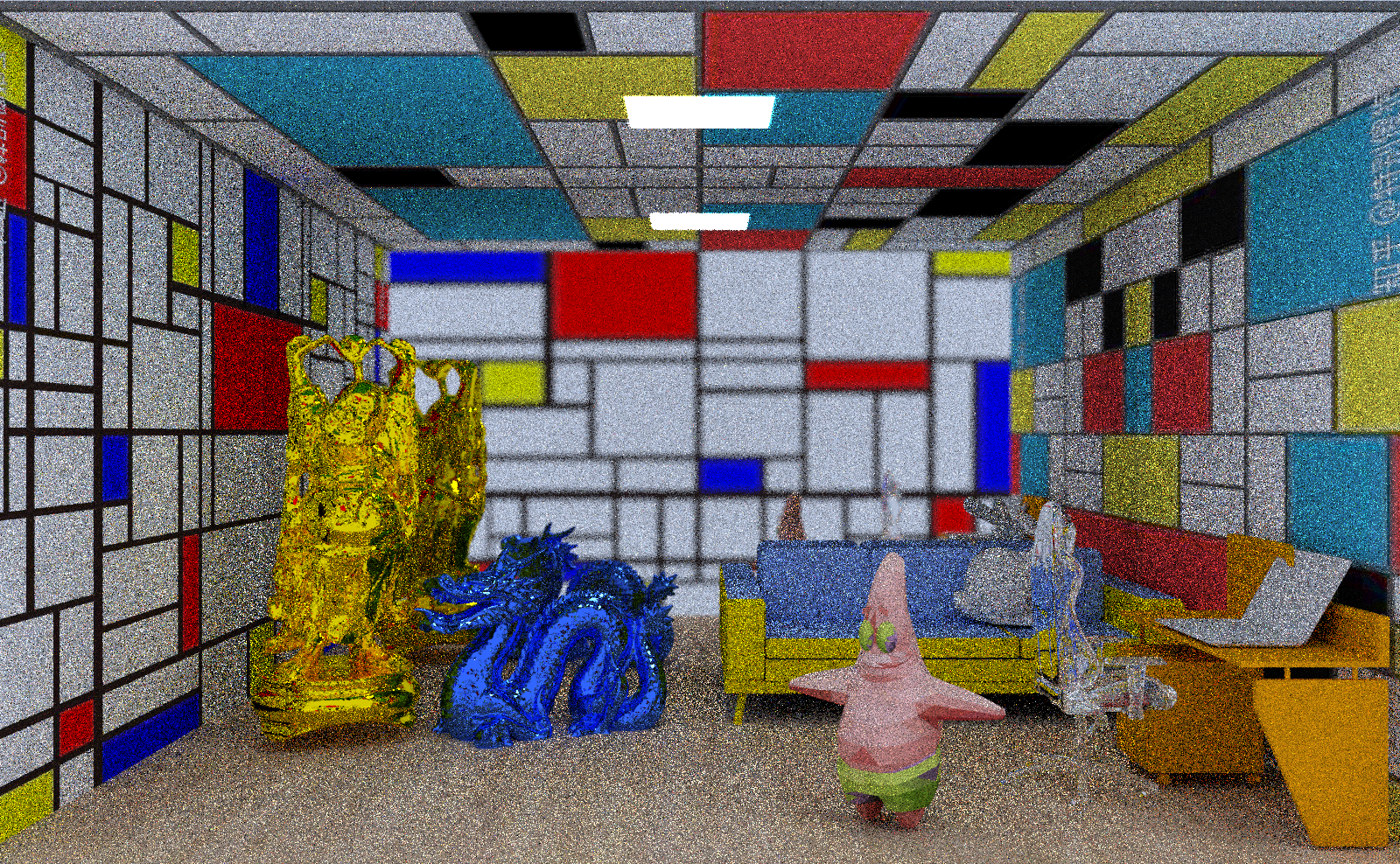 test20