
raytracer
raytracer
raytracer Latest Version Download
# Use via CDN
jsDelivrjsDelivr serves any public GitHub repository as a CDN with zero setup. Pick a version and a file to get a ready-to-paste link and snippet.
Command Glossary
Commands referenced in this DOCs, explained below.
cargo
View Details ▼
cargo
Manage Rust projects and their module dependencies (crates).
Some subcommands such as `build` have their own usage documentation.
cargo search {{search_string}}
Search for crates:
cargo install {{crate_name}}
Install a binary crate:
cargo install --list
List installed binary crates:
fmt
View Details ▼
fmt
Reformat a text file by joining its paragraphs and limiting the line width to a number of characters (75 by default).
fmt {{path/to/file}}
Reformat a file:
fmt {{[-w|--width]}} {{n}} {{path/to/file}}
Reformat a file producing output lines of (at most) `n` characters:
fmt {{[-s|--split-only]}} {{path/to/file}}
Reformat a file without joining lines shorter than the given width together:
rustup component
View Details ▼
rustup component
Modify a toolchain's installed components.
Without the `--toolchain` option `rustup` will use the default toolchain. See `rustup help toolchain` for more information about toolchains.
rustup component add --toolchain {{toolchain}} {{component}}
Add a component to a toolchain:
rustup component remove --toolchain {{toolchain}} {{component}}
Remove a component from a toolchain:
rustup component list --toolchain {{toolchain}}
List installed and available components for a toolchain:
Size
View Details ▼
Size
Display the sizes of sections inside binary files.
size {{path/to/file}}
Display the size of sections in a given object or executable file:
size {{[-o|--radix=8]}} {{path/to/file}}
Display the size of sections in a given object or executable file in [o]ctal:
size {{[-d|--radix=10]}} {{path/to/file}}
Display the size of sections in a given object or executable file in [d]ecimal:
# Project Badges
-
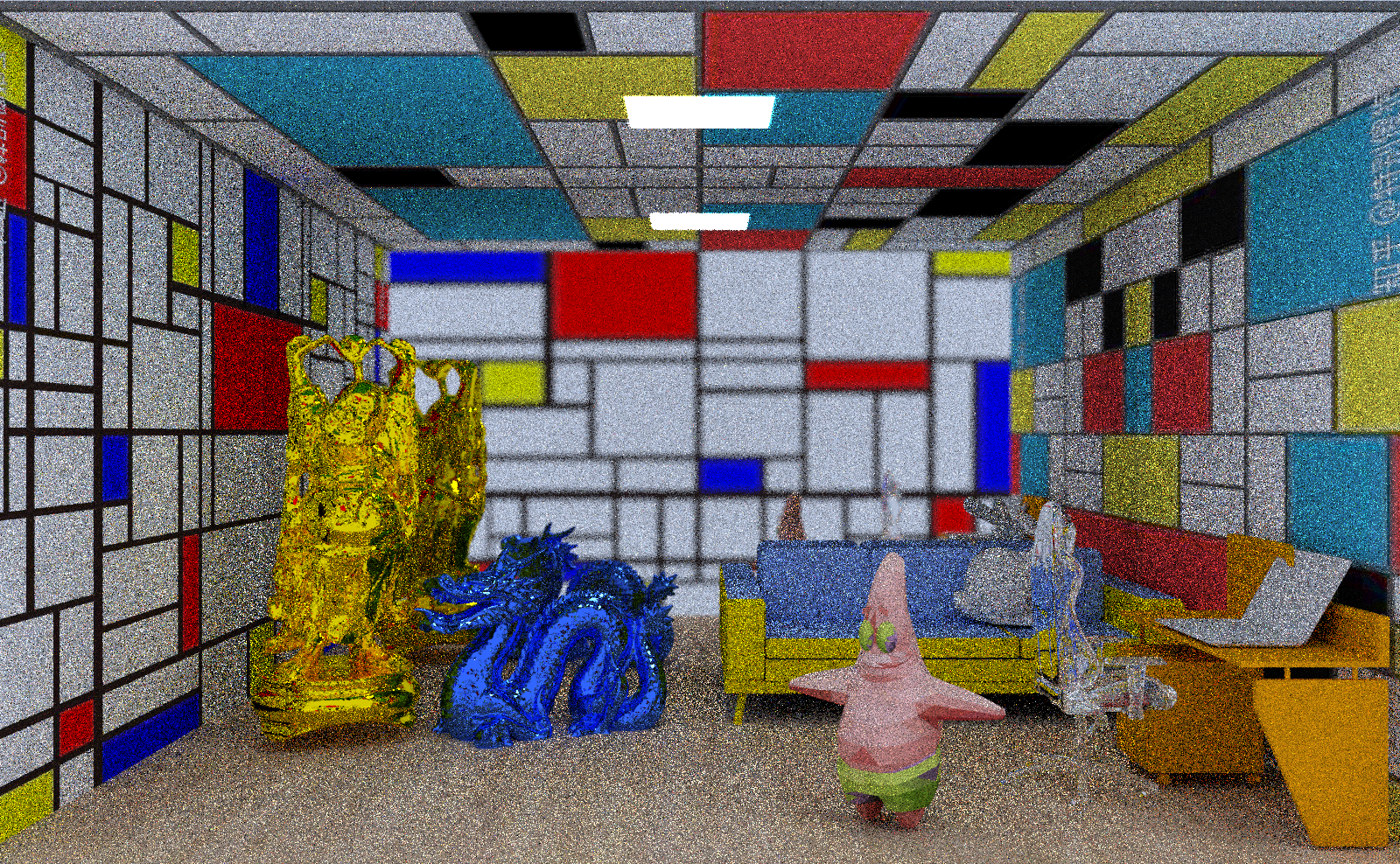 test20