
claude-canvas
AI-orchestrated visual production for Obsidian Canvas. Create presentations, flowcharts, mood boards, knowledge graphs, and galleries with intelligent layout and AI-generated content.
파일 탐색기
- plugin.json
- canvas-composer.md
- canvas-layout.md
- canvas-media.md
- comparison-canvas-demo.png
- demo-canvas-showcase-all.png
- demo-real-presentation.png
- mind-map-demo.png
- project-brief-demo.png
- real-image-gallery-demo.png
- cover.png
- setup.sh
- canvas.md
- 2026-04-10-claude-canvas-design.md
- hooks.json
- canvas_layout.py
- canvas_template.py
- canvas_validate.py
- test_all.py
- canvas-spec.md
- layout-algorithms.md
- media-guide.md
- mermaid-patterns.md
- performance-guide.md
- presentation-spec.md
- template-catalog.md
- SKILL.md
- SKILL.md
- SKILL.md
- SKILL.md
- SKILL.md
- SKILL.md
- SKILL.md
- SKILL.md
- comparison.json
- dashboard.json
- flowchart.json
- gallery.json
- kanban.json
- knowledge-graph.json
- mind-map.json
- mood-board.json
- presentation.json
- project-brief.json
- storyboard.json
- timeline.json
- .gitignore
- CLAUDE.md
- LICENSE
- PRIVACY.md
- README.md
- SECURITY.md
# CDN으로 사용하기
jsDelivrjsDelivr는 공개 GitHub 리포지토리를 별도 설정 없이 CDN으로 즉시 서빙합니다. 버전과 파일을 고르면 웹페이지에 바로 붙일 수 있는 링크와 예시 코드가 만들어집니다.
명령어 용어집
이 문서에서 사용된 명령어를 모아봤습니다. 낯선 명령어가 있다면 펼쳐서 확인해보세요.
claude
설명 보기 ▼
claude
코드베이스를 이해하고 자연어 명령을 통해 더 빠르게 코딩할 수 있도록 도와주는 에이전트 기반 코딩 도구.
더 많은 정보: <https://code.claude.com/docs/en/cli-reference>.
claude prompt
프롬프트로 실행:
claude update
`claude`를 업데이트:
claude mcp list
지정된 MCP 서버 목록을 표시:
git clone
설명 보기 ▼
git clone
Clone an existing repository.
git clone {{remote_repository_location}} {{path/to/directory}}
Clone an existing repository into a new directory (the default directory is the repository name):
git clone --recursive {{remote_repository_location}}
Clone an existing repository and its submodules:
git clone {{[-n|--no-checkout]}} {{remote_repository_location}}
Clone only the `.git` directory of an existing repository:
# 프로젝트 배지
-
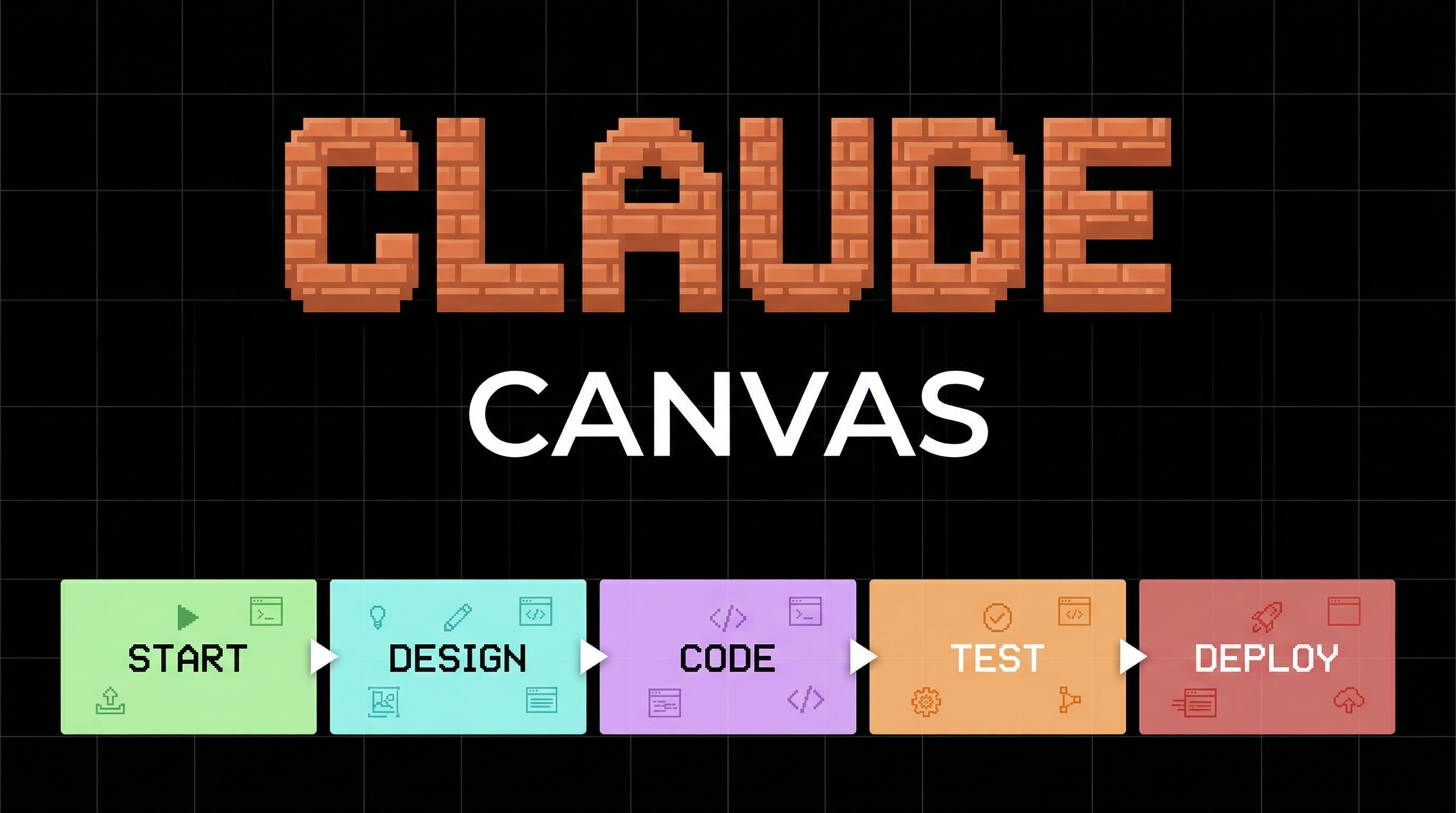 claude-canvas cover