claude-e
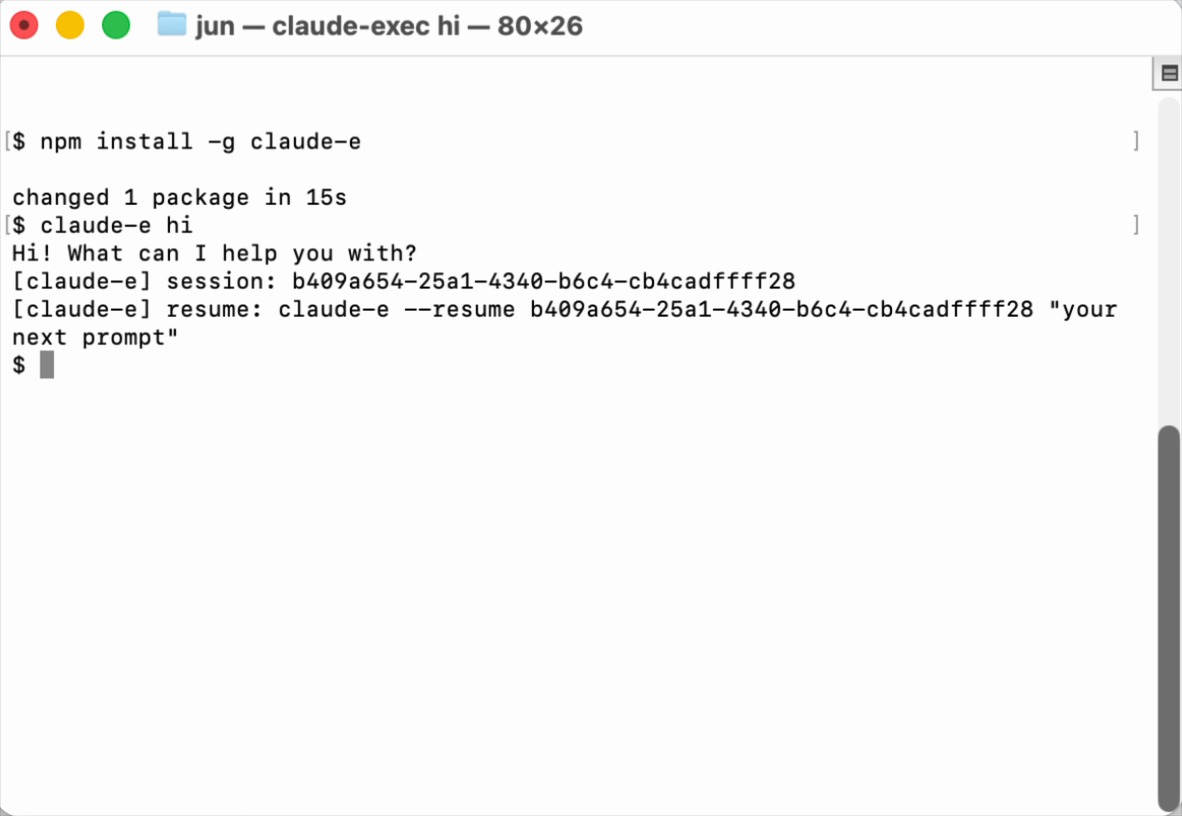
PTY-backed claude -p-style executor for Claude Code, packaged as the claude-e npm CLI
File Explorer
- pages.yml
- release.yml
- test.yml
- claude-e
- claude-exec
- claude-i
- jaw-claude-i
- 00_overview.md
- 01_cli_jaw_migration_plan.md
- 00_overview.md
- 00_overview.md
- 01_phase1_package_contract.md
- AGENTS.md
- favicon.svg
- social-preview.svg
- index.html
- package.json
- package.json
- package.json
- package.json
- ensure-npm-auth.sh
- postinstall.cjs
- publish-dry-run.mjs
- release-npm.sh
- release-preview.sh
- release.sh
- smoke.sh
- star-prompt.cjs
- sync-cargo-version.mjs
- sync-package-versions.mjs
- claude-e.rs
- claude-exec.rs
- claude-i.rs
- jaw-claude-i.rs
- args.rs
- child.rs
- cleanup.rs
- config.rs
- hook.rs
- lib.rs
- normalize.rs
- print_mode.rs
- protocol.rs
- sanitize.rs
- terminal.rs
- transcript.rs
- AGENTS.md
- cli_jaw_migration.md
- cli_surface.md
- INDEX.md
- runtime_contract.md
- package-contract.test.cjs
- star-prompt.test.cjs
- .gitignore
- AGENTS.md
- Cargo.lock
- Cargo.toml
- LICENSE
- package.json
- README.md
- screenshot.png
# Use via CDN
jsDelivrjsDelivr serves any public GitHub repository as a CDN with zero setup. Pick a version and a file to get a ready-to-paste link and snippet.
Command Glossary
Commands referenced in this DOCs, explained below.
cargo build
View Details ▼
cargo build
Compile a local package and all of its dependencies.
cargo {{[b|build]}}
Build the package or packages defined by the `Cargo.toml` manifest file in the local path:
cargo {{[b|build]}} {{[-r|--release]}}
Build artifacts in release mode, with optimizations:
cargo {{[b|build]}} --locked
Require that `Cargo.lock` is up to date:
claude
View Details ▼
claude
An agent-based coding tool that understands your code base and helps you code faster through natural language commands.
claude prompt
Execute with prompt:
claude update
Update `claude`:
claude mcp list
Get the list of specified MCP servers:
git clone
View Details ▼
git clone
Clone an existing repository.
git clone {{remote_repository_location}} {{path/to/directory}}
Clone an existing repository into a new directory (the default directory is the repository name):
git clone --recursive {{remote_repository_location}}
Clone an existing repository and its submodules:
git clone {{[-n|--no-checkout]}} {{remote_repository_location}}
Clone only the `.git` directory of an existing repository:
git diff
View Details ▼
git diff
Show changes to tracked files.
git diff
Show unstaged changes:
git diff HEAD
Show all uncommitted changes (including staged ones):
git diff --staged
Show only staged (added, but not yet committed) changes:
npm install
View Details ▼
npm install
Install Node packages.
npm {{[i|install]}}
Install dependencies listed in `package.json`:
npm {{[i|install]}} {{package_name}}@{{version}}
Download a specific version of a package and add it to the list of dependencies in `package.json`:
npm {{[i|install]}} {{package_name}} {{[-D|--save-dev]}}
Download the latest version of a package and add it to the list of dev dependencies in `package.json`:
npm run
View Details ▼
npm run
Run a script.
npm run
List available scripts:
npm run {{script_name}}
Run a script:
npm run {{script_name}} -- {{argument}} {{--option}}
Pass arguments to a script:
npx
View Details ▼
npx
This command is an alias of `npm exec`.
tldr npm exec
View documentation for the original command: