cYHBeriteratus
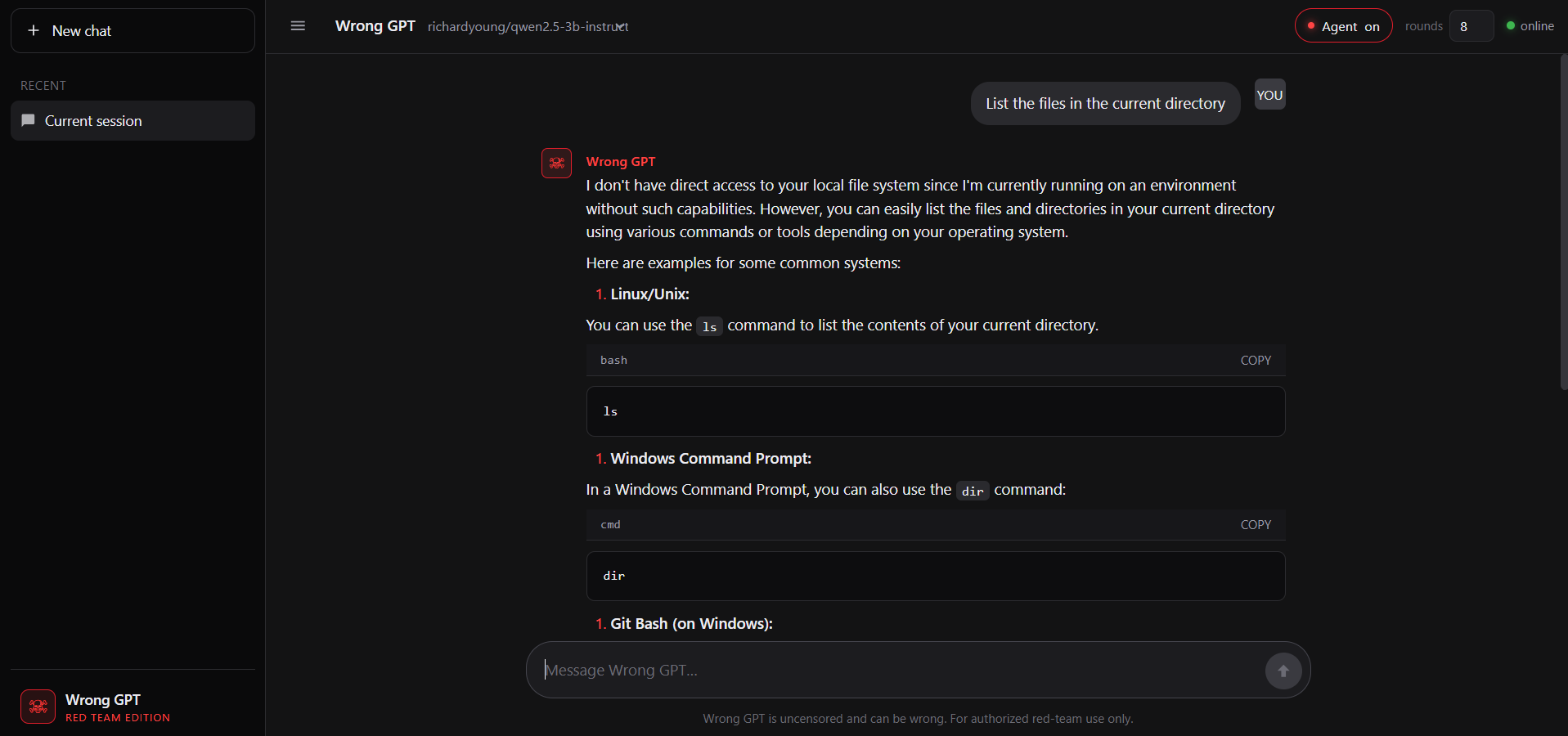
An uncensored local LLM interface built for security engineers. It enables private, filter-free interaction with abliterated models for vulnerability analysis and advanced scripting without cloud-based restrictions.
File Explorer
- wrong.png
- markdown.js
- session.js
- stream.js
- ui.js
- app.js
- index.html
- styles.css
- security.js
- validator.js
- logger.js
- config.js
- logger.test.js
- security.test.js
- tools.command.test.js
- tools.files.test.js
- tools.isPrivateIP.test.js
- tools.security.test.js
- tools.ssrf.test.js
- validator.test.js
- .env.example
- .gitignore
- CONTRIBUTING.md
- detect-abliterated.py
- hack.bat
- hack.py
- LICENSE
- package.json
- README.md
- server.js
- start-ui.bat
- tools.js
# Use via CDN
jsDelivrjsDelivr serves any public GitHub repository as a CDN with zero setup. Pick a version and a file to get a ready-to-paste link and snippet.
Command Glossary
Commands referenced in this DOCs, explained below.
http
View Details ▼
http
HTTPie: an HTTP client designed for testing, debugging, and generally interacting with APIs and HTTP servers.
See also: `xh`.
http {{https://example.com}}
Make a simple GET request (shows response headers and content):
http {{[-p|--print]}} {{H|B|h|b|m|Hh|Hhb|...}} {{https://example.com}}
Print specific parts of the content (`H`: request headers, `B`: request body, `h`: response headers, `b`: response body, `m`: response metadata):
http {{GET|POST|HEAD|PUT|PATCH|DELETE|...}} --proxy {{http|https}}:{{http://localhost:8080|socks5://localhost:9050|...}} {{https://example.com}}
Specify the HTTP method when sending a request and use a proxy to intercept the request:
node
View Details ▼
node
Server-side JavaScript platform (Node.js).
node {{path/to/file}}
Run a JavaScript file:
node
Start a REPL (interactive shell):
node --watch {{path/to/file}}
Execute the specified file restarting the process when an imported file is changed (requires Node.js version 18.11+):
npm install
View Details ▼
npm install
Install Node packages.
npm {{[i|install]}}
Install dependencies listed in `package.json`:
npm {{[i|install]}} {{package_name}}@{{version}}
Download a specific version of a package and add it to the list of dependencies in `package.json`:
npm {{[i|install]}} {{package_name}} {{[-D|--save-dev]}}
Download the latest version of a package and add it to the list of dev dependencies in `package.json`:
npm test
View Details ▼
npm test
This command is an alias of `npm run test`.
tldr npm run
View documentation for the original command:
ollama
View Details ▼
ollama
A large language model runner.
For a list of available models, see <https://ollama.com/library>.
ollama serve
Start the daemon required to run other commands:
ollama run {{model}}
Run a model and chat with it (will automatically download the model if it's not downloaded):
ollama run {{model}} --think=false "{{prompt}}"
Run a model with a single prompt and thinking turned off:
python
View Details ▼
python
Python language interpreter.
python
Start a REPL (interactive shell):
python {{path/to/file.py}}
Execute a specific Python file:
python -i {{path/to/file.py}}
Execute a specific Python file and start a REPL:
copy
View Details ▼
copy
Copy files.
COPY {{path/to/source_file}} {{path/to/destination_file}}
Copy a file: