
dynamic_lidar_interpolation
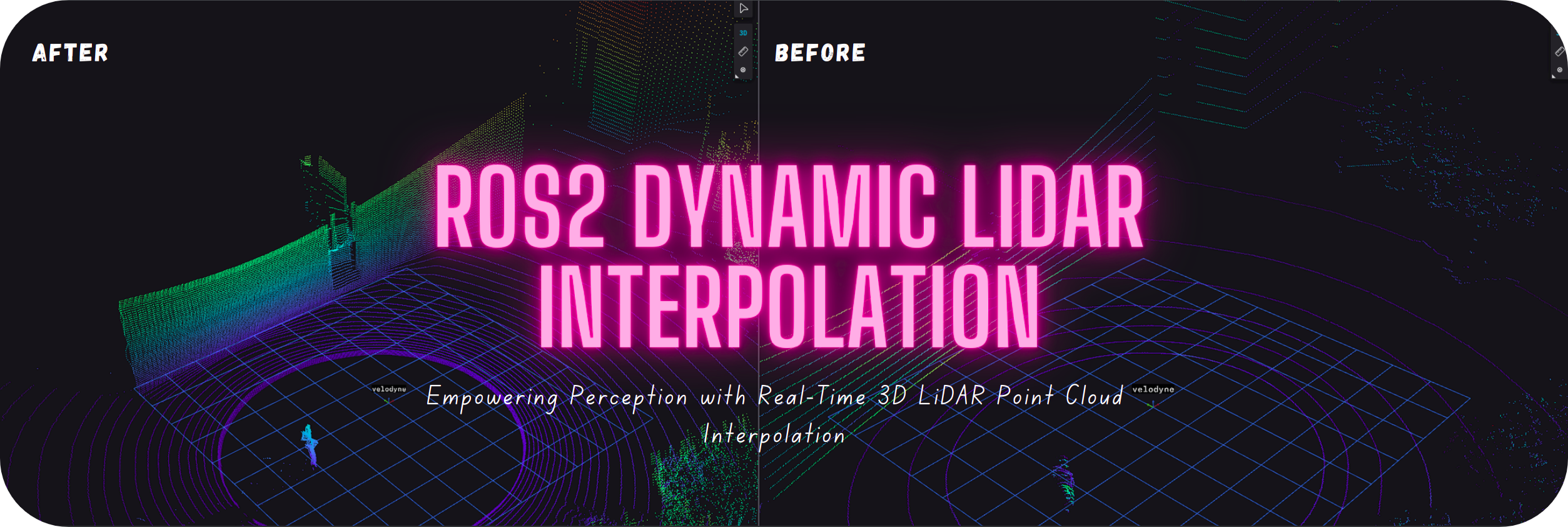
A high-performance ROS2 package for real-time interpolation of 3D LiDAR point clouds. Developed in C++, it supports dynamic configurations, multiple interpolation methods (Bilinear, Bilateral, Spline, etc.), noise reduction, and seamless integration into robotics pipelines. Ideal for SLAM, sensor fusion, and autonomous systems.
파일 탐색기
- interpolation_config.yaml
- interpolated.json
- Cover.png
- cover.png
- demo.gif
- demo.png
- demo2.png
- demo3.png
- bilateral_interpolation.hpp
- bilinear_interpolation.hpp
- edge_aware_interpolation.hpp
- nearest_neighbor_interpolation.hpp
- spline_interpolation.hpp
- pointcloud_interpolation.hpp
- pointcloud_interpolation_launch.py
- interpolation.rviz
- pointcloud_interpolation_node.cpp
- CMakeLists.txt
- package.xml
- README.md
# CDN으로 사용하기
jsDelivrjsDelivr는 공개 GitHub 리포지토리를 별도 설정 없이 CDN으로 즉시 서빙합니다. 버전과 파일을 고르면 웹페이지에 바로 붙일 수 있는 링크와 예시 코드가 만들어집니다.
명령어 용어집
이 문서에서 사용된 명령어를 모아봤습니다. 낯선 명령어가 있다면 펼쳐서 확인해보세요.
git clone
설명 보기 ▼
git clone
Clone an existing repository.
git clone {{remote_repository_location}} {{path/to/directory}}
Clone an existing repository into a new directory (the default directory is the repository name):
git clone --recursive {{remote_repository_location}}
Clone an existing repository and its submodules:
git clone {{[-n|--no-checkout]}} {{remote_repository_location}}
Clone only the `.git` directory of an existing repository:
apt install
설명 보기 ▼
apt install
Install packages for Debian-based distributions.
sudo apt install {{package}}
Install a package, or update it to the latest version:
sudo apt install {{[-V|--verbose-versions]}} {{package}}
Display verbose package version information during installation or update:
apt
설명 보기 ▼
apt
Debian 기반 배포판을 위한 패키지 관리 도구.
Ubuntu 16.04 이후 버전에서 대화형 사용 시 `apt-get`의 권장 대체 도구.
다른 패키지 관리자의 동등한 명령을 보려면 <https://wiki.archlinux.org/title/Pacman/Rosetta>.
더 많은 정보: <https://manned.org/apt.8>.
sudo apt update
사용 가능한 패키지 및 버전 목록 업데이트 (다른 `apt` 명령어 실행 전 권장):
apt search {{package}}
주어진 패키지 검색:
apt list {{package}}
패키지 정보 표시:
# 프로젝트 배지
-
 cover
cover