claude-e
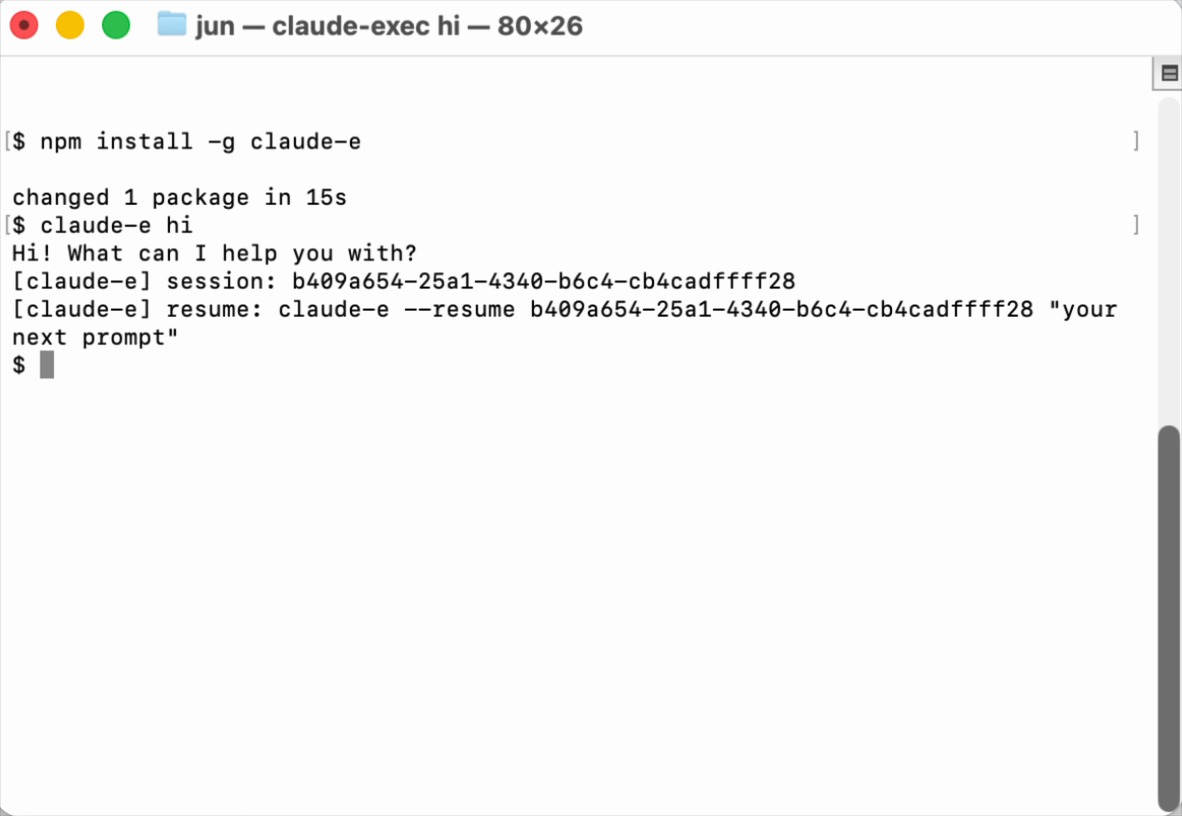
PTY-backed claude -p-style executor for Claude Code, packaged as the claude-e npm CLI
파일 탐색기
- pages.yml
- release.yml
- test.yml
- claude-e
- claude-exec
- claude-i
- jaw-claude-i
- 00_overview.md
- 01_cli_jaw_migration_plan.md
- 00_overview.md
- 00_overview.md
- 01_phase1_package_contract.md
- AGENTS.md
- favicon.svg
- social-preview.svg
- index.html
- package.json
- package.json
- package.json
- package.json
- ensure-npm-auth.sh
- postinstall.cjs
- publish-dry-run.mjs
- release-npm.sh
- release-preview.sh
- release.sh
- smoke.sh
- star-prompt.cjs
- sync-cargo-version.mjs
- sync-package-versions.mjs
- claude-e.rs
- claude-exec.rs
- claude-i.rs
- jaw-claude-i.rs
- args.rs
- child.rs
- cleanup.rs
- config.rs
- hook.rs
- lib.rs
- normalize.rs
- print_mode.rs
- protocol.rs
- sanitize.rs
- terminal.rs
- transcript.rs
- AGENTS.md
- cli_jaw_migration.md
- cli_surface.md
- INDEX.md
- runtime_contract.md
- package-contract.test.cjs
- star-prompt.test.cjs
- .gitignore
- AGENTS.md
- Cargo.lock
- Cargo.toml
- LICENSE
- package.json
- README.md
- screenshot.png
# CDN으로 사용하기
jsDelivrjsDelivr는 공개 GitHub 리포지토리를 별도 설정 없이 CDN으로 즉시 서빙합니다. 버전과 파일을 고르면 웹페이지에 바로 붙일 수 있는 링크와 예시 코드가 만들어집니다.
명령어 용어집
이 문서에서 사용된 명령어를 모아봤습니다. 낯선 명령어가 있다면 펼쳐서 확인해보세요.
cargo build
설명 보기 ▼
cargo build
Compile a local package and all of its dependencies.
cargo {{[b|build]}}
Build the package or packages defined by the `Cargo.toml` manifest file in the local path:
cargo {{[b|build]}} {{[-r|--release]}}
Build artifacts in release mode, with optimizations:
cargo {{[b|build]}} --locked
Require that `Cargo.lock` is up to date:
claude
설명 보기 ▼
claude
코드베이스를 이해하고 자연어 명령을 통해 더 빠르게 코딩할 수 있도록 도와주는 에이전트 기반 코딩 도구.
더 많은 정보: <https://code.claude.com/docs/en/cli-reference>.
claude prompt
프롬프트로 실행:
claude update
`claude`를 업데이트:
claude mcp list
지정된 MCP 서버 목록을 표시:
git clone
설명 보기 ▼
git clone
Clone an existing repository.
git clone {{remote_repository_location}} {{path/to/directory}}
Clone an existing repository into a new directory (the default directory is the repository name):
git clone --recursive {{remote_repository_location}}
Clone an existing repository and its submodules:
git clone {{[-n|--no-checkout]}} {{remote_repository_location}}
Clone only the `.git` directory of an existing repository:
git diff
설명 보기 ▼
git diff
Show changes to tracked files.
git diff
Show unstaged changes:
git diff HEAD
Show all uncommitted changes (including staged ones):
git diff --staged
Show only staged (added, but not yet committed) changes:
npm install
설명 보기 ▼
npm install
Install Node packages.
npm {{[i|install]}}
Install dependencies listed in `package.json`:
npm {{[i|install]}} {{package_name}}@{{version}}
Download a specific version of a package and add it to the list of dependencies in `package.json`:
npm {{[i|install]}} {{package_name}} {{[-D|--save-dev]}}
Download the latest version of a package and add it to the list of dev dependencies in `package.json`:
npm run
설명 보기 ▼
npm run
Run a script.
npm run
List available scripts:
npm run {{script_name}}
Run a script:
npm run {{script_name}} -- {{argument}} {{--option}}
Pass arguments to a script:
npx
설명 보기 ▼
npx
이 명령은 `npm exec`의 별칭입니다.
tldr npm exec
자세한 내용은 원본 명령을 참고하세요: